The Short Answer: Running costs are primarily filter replacements ($30-120/year) and electricity ($2-8/month). The cheapest long-term options have washable pre-filters and affordable replacement filters. Energy Star models save 15-40% on electricity.
Editor’s note (September 2026): The Winix 5500-2 has been discontinued and remaining stock is limited. Winix’s official successor is the Winix 5510, which adds app control and uses a new filter. Read our Winix 5510 vs 5500-2 comparison before you buy either one.
Packing your bags for a well-deserved vacation comes with a long checklist, stopping the mail, adjusting the thermostat, locking every window. But what about your air purifier? Should it keep humming away while you’re gone, or is it safer and smarter to shut it down? The answer isn’t one-size-fits-all. It depends on the length of your trip, your local air quality, whether you have pets at home, and even the time of year.
In this guide, we’ll walk through every scenario so you can make the right call before you head out the door. We’ll cover energy costs, safety risks, smart home options, and a complete pre-vacation checklist to keep your home’s air, and your peace of mind, in great shape.
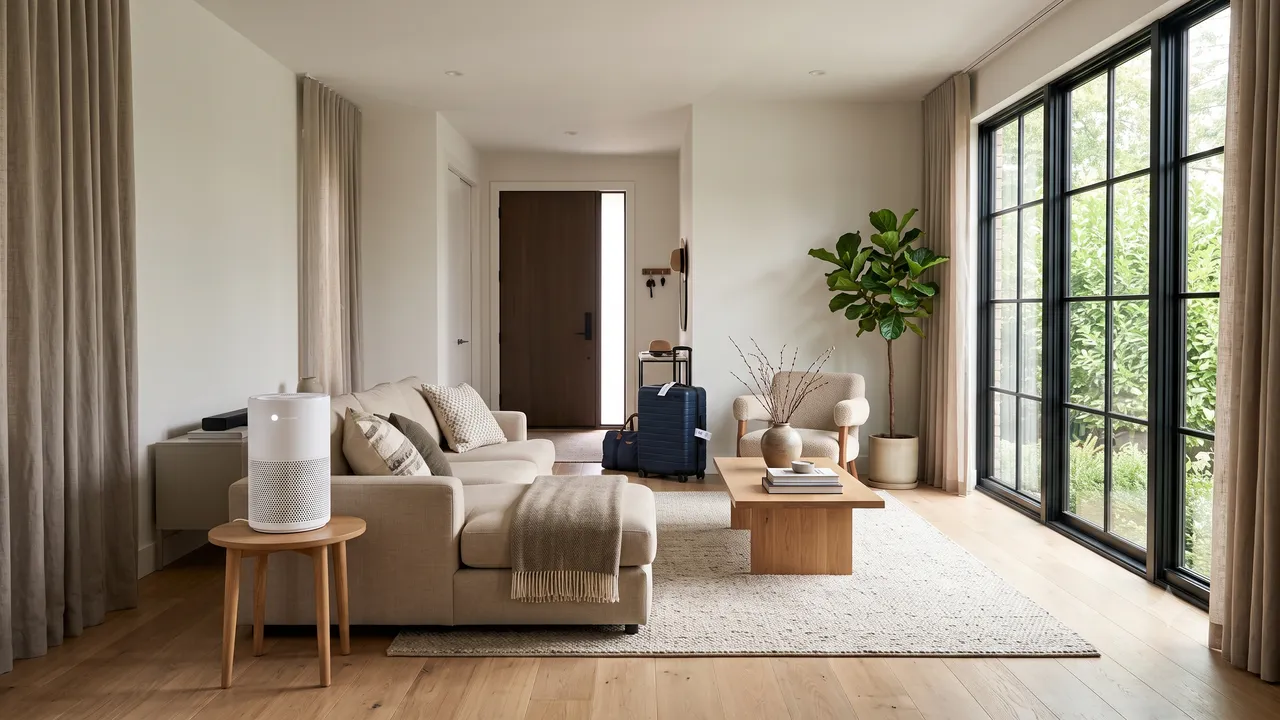
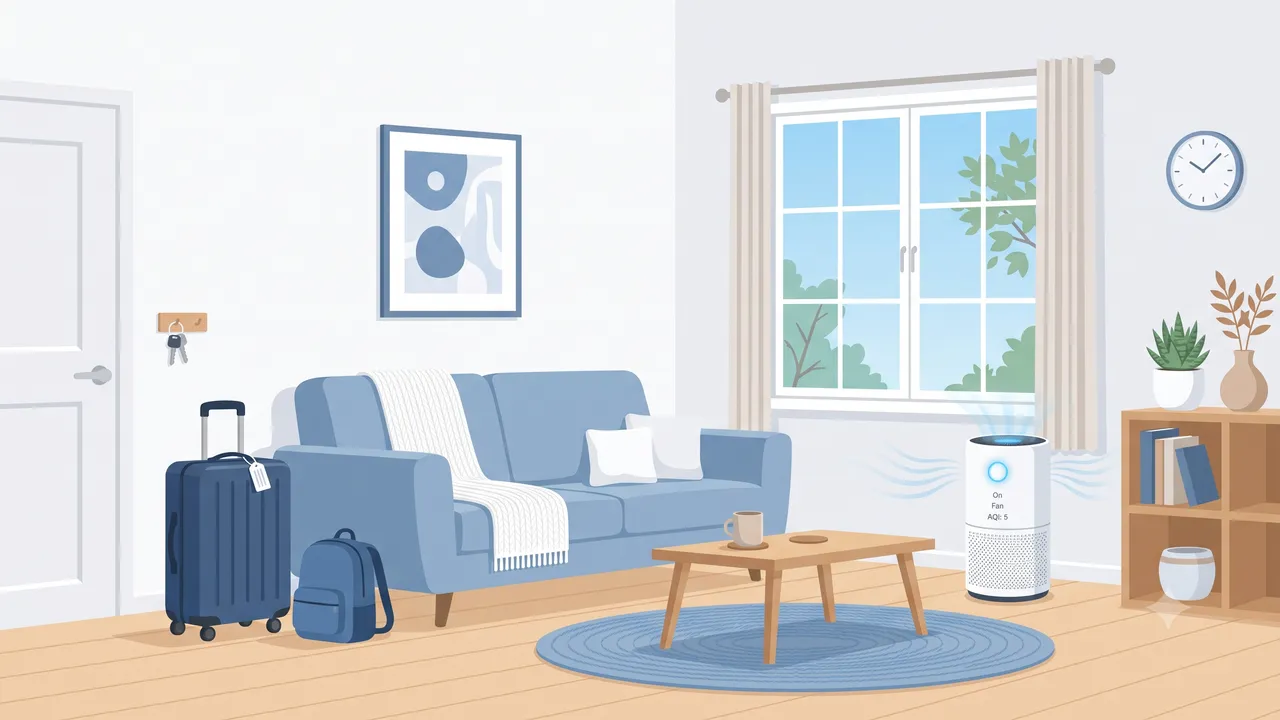
Should You Leave Your Purifier Running While Away?
The short answer: it depends on how long you’ll be gone and what conditions your home faces while you’re away. An air purifier left running in an empty house isn’t inherently wasteful or dangerous, but neither is it always necessary. Here’s how to think about it.
Short Trips (1–3 Days)
For a weekend getaway, leave your purifier running on low or auto mode. The energy cost for three days is roughly $0.20–$0.50, a negligible expense. More importantly, you’ll return to fresh, clean air instead of walking into a home where particles have been accumulating for 72 hours. Even in an unoccupied home, outdoor pollutants infiltrate through gaps in the building envelope, and indoor sources like furniture, flooring, and paint continuously off-gas volatile organic compounds (VOCs). Without the purifier running, these compounds can reach concentrations higher than you’d experience while actually living in the home, simply because doors aren’t opening periodically to create natural ventilation.
Medium Trips (4–14 Days)
For trips lasting one to two weeks, continuous operation becomes harder to justify unless you have specific circumstances like wildfire season or a pet sitter coming and going. The filter life consumed by scrubbing an empty house for two weeks is real, and the energy adds up.
Turn the purifier off before you leave. When you return, follow this recovery protocol:
- Open windows for 15–30 minutes first (if outdoor air quality permits) to flush accumulated CO₂ and VOCs.
- Close the windows and run the purifier on high for 2–4 hours for a rapid deep clean.
- Resume normal auto-mode operation.
If you own a smart air purifier with app control, such as the Levoit Core 400S, Blueair models with the Blueair app, or Dyson purifiers, set a scheduled run instead of leaving it on 24/7. Two hours in the morning and two hours in the evening on medium speed maintains air turnover without burning through filter life or racking up your electricity bill.
Extended Absences (1 Month or More)
Turn everything off. The small but real fire risk from any electrical appliance left unattended for weeks outweighs the air quality benefit. Filters will continue to passively adsorb some VOCs even with the fan off, so your home won’t be completely unprotected.
When you return after a month or longer, replace carbon filters if they’ve been sitting unused for more than three months. Carbon media slowly desorbs trapped VOCs over time, meaning a saturated carbon filter can actually start releasing pollutants back into your air. Running a fresh filter ensures you’re starting clean. Check out our guide on how often to replace air purifier filters for model-specific timelines.
Special Circumstances
- Wildfire season: Leave one purifier running on low or auto in a sealed room. Wildfire smoke infiltrates even unoccupied homes through tiny gaps in the building envelope, and smoke residue is notoriously difficult to remove once it settles on surfaces. A few dollars in electricity is a small price to prevent weeks of remediation.
- Humid climates: If you normally run a dehumidifier, leave it on with a gravity drain hose if possible. High humidity during your absence promotes mold growth in the filter housing and throughout your home, far more expensive to fix than the electricity to prevent it.
- Allergy season: If you’re leaving during peak pollen, consider keeping the purifier running on auto in the bedroom. Pollen enters through ventilation systems and open gaps, and returning to a pollen-saturated bedroom is no fun when you’re already tired from travel.
- Pet sitter visiting: Leave the purifier on auto. The sitter’s comings and goings disturb settled dust and dander, and the purifier keeps the air cleaner for both the animals and the person caring for them.
Smart Home Integration for Remote Control
One of the best developments in air purifiers over the past few years is Wi-Fi connectivity. If you own a smart purifier, you don’t have to make a binary on-or-off decision before you leave. You can monitor and control your purifier from anywhere.
Purifiers With Built-In Wi-Fi
Several popular models connect directly to your phone:
- Levoit Core 400S / 600S: The VeSync app lets you adjust fan speed, set schedules, check filter life, and monitor real-time air quality from anywhere. You can set it to auto mode and let the built-in PM2.5 sensor decide when to ramp up.
- Blueair Blue Pure 211+ and above: The Blueair app provides remote control and air quality monitoring. Some models integrate with the Blueair Aware sensor for room-by-room tracking.
- Dyson Purifier series: The MyDyson app offers full remote control, scheduling, and real-time air quality reports. You can check particle and VOC levels in your home while sitting on a beach thousands of miles away.
- Coway Airmega series: The IoCare app supports remote control, scheduling, and air quality history.
Using Smart Plugs for Non-Wi-Fi Purifiers
If your purifier doesn’t have app support, a smart plug is an inexpensive workaround. Plug your purifier into a Wi-Fi-enabled smart plug (like the Kasa or Wyze brands, typically $10–$15) and you can turn it on and off remotely. This works best with purifiers that have mechanical switches rather than electronic buttons, a mechanical switch purifier will resume operation when power is restored, while an electronic-button purifier may stay off.
For purifiers with auto mode and an always-on setting, a smart plug lets you create schedules even if the purifier itself doesn’t support them. Run it for four hours in the morning and four hours in the evening to balance air quality with filter longevity.
Integrating With Home Automation
If you use a platform like Apple Home, Google Home, or Amazon Alexa, you can create vacation automations that go beyond simple scheduling:
- Link your purifier to an air quality monitor (like the Qingping Air Monitor or Awair Element) and set automations that turn the purifier on when indoor AQI exceeds a threshold.
- Pair your purifier with smart window sensors, if a window opens while you’re away, the purifier ramps up to handle the influx of outdoor air.
- Use geofencing to turn the purifier back to full operation when you’re within a few miles of home, so you return to freshly cleaned air.
Energy Cost of Running 24/7 While Away
Energy consumption is often the first concern people have about leaving a purifier running, but the numbers are usually smaller than expected. For a detailed breakdown, see our full guide on air purifier energy costs and electricity usage.
Typical Power Draw
Most air purifiers consume between 30 and 100 watts on their medium or auto settings. The popular Coway AP-1512HH, for example, draws about 77 watts on high and as little as 4 watts on its lowest fan speed. The Winix 5500-2 uses around 70 watts on high and approximately 8 watts on low.
Cost Calculation
At the U.S. national average electricity rate of about $0.16 per kilowatt-hour, here’s what running a purifier 24/7 actually costs:
| Trip Length | Low/Auto Speed (~10W avg) | Medium Speed (~40W avg) | High Speed (~70W avg) |
|---|---|---|---|
| 3 days | $0.12 | $0.46 | $0.81 |
| 7 days | $0.27 | $1.08 | $1.88 |
| 14 days | $0.54 | $2.15 | $3.76 |
| 30 days | $1.15 | $4.61 | $8.06 |
As you can see, the financial cost of leaving a purifier running for a short trip is trivial, less than a dollar for a weekend on auto mode. Even a full month on medium speed costs less than a fancy coffee.
The real cost to consider is filter life. Running a purifier in an empty home for two weeks consumes filter life without providing much benefit. A HEPA filter rated for 6 months of continuous use effectively loses about 7–8% of its lifespan for every two weeks of unnecessary operation. Over the course of a year with several vacations, this can add up to needing a replacement filter a month or two earlier than expected.
The Middle-Ground Strategy
For trips longer than a few days, the smartest approach is reduced runtime rather than continuous operation or complete shutdown. Use a timer or smart plug to run the purifier for 4–6 hours per day instead of 24/7. This maintains baseline air quality while preserving filter life and cutting energy use by 75% compared to around-the-clock operation.
Security Considerations
Leaving any electrical appliance running in an unoccupied home introduces a small but real set of risks. Here’s what to think about before you lock the front door.
Fire Safety
Air purifiers from reputable brands like Coway, Blueair, Levoit, and Winix have excellent safety records and carry UL, ETL, or CE certifications. However, no electrical appliance carries zero risk. The Consumer Product Safety Commission reports that fans and air treatment devices account for a small but measurable number of residential fires annually, often due to manufacturing defects, damaged cords, or blocked air intakes causing motor overheating.
Before leaving your purifier running:
- Inspect the power cord for any fraying, kinks, or damage. Replace if compromised.
- Clear the area around the purifier. Ensure at least 12 inches of clearance on all sides. Never leave it near curtains, papers, bedding, or other combustible materials.
- Clean or replace the filter before you go. A clogged filter forces the motor to work harder, generating more heat.
- Place on a hard, flat surface. Never put a purifier on carpet with a shag pile or on a soft surface that could block bottom air intakes.
Electrical Considerations
Plug the purifier directly into a wall outlet rather than an extension cord or power strip. If you must use a power strip, choose one with built-in surge protection and an automatic shutoff feature. During summer thunderstorms or winter storms, power surges can damage electronics or, in rare cases, cause overheating.
Monitoring From Afad
If you’re leaving a purifier running, consider pairing it with a basic smart smoke detector or a smart plug with energy monitoring. The plug will alert you if the device suddenly draws unusual amounts of power, which could indicate a malfunction. Some smart home platforms can send push notifications if a connected device goes offline unexpectedly, helpful for knowing if a power outage has occurred at home.
Pre-Vacation Purifier Checklist
Use this checklist before every trip to make sure your air purifier, and the air in your home, is in good shape while you’re away.
One Week Before Departure:
- Check filter status. Replace if the indicator shows less than 20% life remaining, or if you can’t remember when you last changed it. See our filter replacement guide.
- Clean the pre-filter (vacuum or wash, depending on model). A clean pre-filter extends HEPA filter life and improves airflow.
- Wipe down the exterior and air intakes with a damp cloth to remove dust buildup.
- Test the purifier on all fan speeds to ensure normal operation.
The Day You Leave:
- Decide on your strategy: continuous (short trips), scheduled (medium trips), or off (extended trips).
- If using a smart plug or app scheduling, verify the schedule is correct and the purifier responds to commands.
- Ensure the purifier is on a stable surface with adequate clearance from walls and furniture.
- Check that the power cord is plugged securely into the wall outlet.
- If wildfire smoke or high pollen is expected, set the purifier to auto mode and close windows and exterior doors.
- For humid climates, confirm the dehumidifier drain hose is secure and draining properly.
When You Return:
- If the purifier was off, open windows for 15–30 minutes before turning it on.
- Run the purifier on high for 2–4 hours for a deep clean.
- Check the filter status indicator, replace if needed.
- Resume normal auto-mode operation.
- If you notice musty odors, inspect the filter housing for mold, especially in humid climates.
Frequently Asked Questions
Will running my air purifier 24/7 while on vacation wear it out faster?
The motor in a quality air purifier is designed for continuous operation and should last 5–10 years regardless of whether you turn it off during vacations. The component that wears out is the filter, not the fan motor. The real question is whether you want to consume filter life filtering an empty home. For trips under three days, the filter consumption is negligible. For longer trips, consider a scheduled approach with a smart plug or the purifier’s built-in timer.
Can an air purifier catch fire if left on while I’m away?
The risk is extremely low with certified purifiers from reputable brands. UL-listed and ETL-certified purifiers undergo rigorous testing for overheating, electrical faults, and fire resistance. That said, you can minimize even this tiny risk by inspecting the power cord before leaving, ensuring proper clearance around the unit, cleaning the filter so the motor isn’t overworked, and plugging directly into a wall outlet rather than a daisy-chained power strip.
Should I leave my air purifier on if someone is pet-sitting at my house?
Yes, leave it running on auto mode. A pet sitter entering and leaving the home introduces outdoor air, stirs up settled dust and pet dander, and changes the home’s air dynamics. The purifier on auto will ramp up when it detects these changes and ramp down when the air is clean, providing a good balance of air quality and efficiency. If you’re concerned about filter life, check out our recommendations for the best air purifiers for pet owners with long-life filters.
Is it better to run my HVAC fan instead of an air purifier while away?
Running the HVAC fan continuously circulates air through your ductwork and central filter, but most HVAC filters are MERV 8–11, which captures large particles but misses the fine particulate matter (PM2.5) that a HEPA purifier handles. In humid climates, running the HVAC fan can actually help prevent mold by maintaining air circulation, but it won’t match the filtration performance of a dedicated purifier. The best strategy for humid climates is to run both: the HVAC fan for humidity control and a purifier in the main living area for particle removal. For more on filtration ratings, see our HEPA filter guide.
What should I do with my air purifier when I come back from a long vacation?
Start with ventilation. Open windows for 15–30 minutes (if outdoor air quality allows) to exchange stale indoor air with fresh outdoor air. Then close the windows, turn your purifier to the highest setting, and let it run for 2–4 hours. This rapid-clean cycle will remove the particles and VOCs that accumulated during your absence. After that, switch back to auto mode. Check the filter indicator, if it’s yellow or red, order a replacement. If you were gone for more than a month, consider replacing the carbon filter regardless of the indicator reading, as carbon media can desorb trapped pollutants over time. Our complete air purifier maintenance guide covers everything you need to know.
The Bottom Line
Leaving your air purifier on during vacation isn’t an all-or-nothing decision. For short trips, leaving it on auto is cheap, safe, and means you return to clean air. For medium trips, a smart plug schedule gives you the best of both worlds. For extended absences, shut it down and do a deep-clean cycle when you return. Whatever you choose, a few minutes of preparation before you leave, inspecting the cord, cleaning the filter, setting the right mode, ensures your purifier is working for you, not against you, while you’re away.
And if you’re in the market for a purifier with smart features that make vacation management effortless, the Coway AP-1512HH and Winix 5500-2 are both excellent choices with auto modes, timers, and proven reliability.
See also: How Long Should You Run an Air Purifier?, Air Purifier Energy Cost and Electricity Usage, Air Purifier Placement Guide for Maximum Effectiveness, Air Purifier Maintenance Tips.
Disclosure: This article contains affiliate links. If you purchase through these links, we may earn a small commission at no extra cost to you. This helps support our research and writing. We only recommend products we’ve genuinely evaluated and believe in. All opinions are our own. As an Amazon Associate, we earn from qualifying purchases.
You May Also Like
- Air Purifier Electricity Cost: How Much Does It Really Cost to Run 24/7?
- How Long Should You Run an Air Purifier? 24/7, Only When Home, or Somewhere in Between?
- Air Purifier Energy Cost Calculator 2026: Exactly How Much You’ll Pay
- Air Purifier Filter Replacement Guide: Costs, Schedules, and How to Extend Filter Life
Support This Guide
Helpful? Add The Air Purifier Guide as a preferred source on Google so our guides show up in your search results.
Related Articles

Coway Mighty2 vs AP-1512HH (2026)
Coway's Mighty2 replaced the AP-1512HH as Wirecutter's top pick. We compare CADR, noise, sensors, filter costs, and whether the older unit is still the smarter buy.

KNKA APH4000 Review: $150 Dark Horse
KNKA's APH4000 is one of Amazon's best-selling purifiers at $150. We check the AHAM certification, decode the 1,695 sq ft claim, and compare it to Levoit and Coway.

Levoit Core 300 vs 300-P: What Changed
Levoit quietly replaced the Core 300 with the Core 300-P. We explain the AHAM certification, whether filters still fit, and which one you should actually buy.

Shark NeverChange HP302 Review
Shark's NeverChange HP302 promises 5 years on one filter. We dig into the real running costs, the odor neutralizer catch, and whether it beats cheaper rivals.

Winix 5510 vs 5500-2: 2026 Verdict
The Winix 5500-2 is discontinued and the 5510 takes over. We compare CADR, noise, filter costs, and the one compatibility problem nobody mentions.
🛒 Products Mentioned
As an Amazon Associate, we earn from qualifying purchases.
Runs side-by-side purifier comparisons, long-term ownership reports, and filter cost analysis.
View all articles by David →